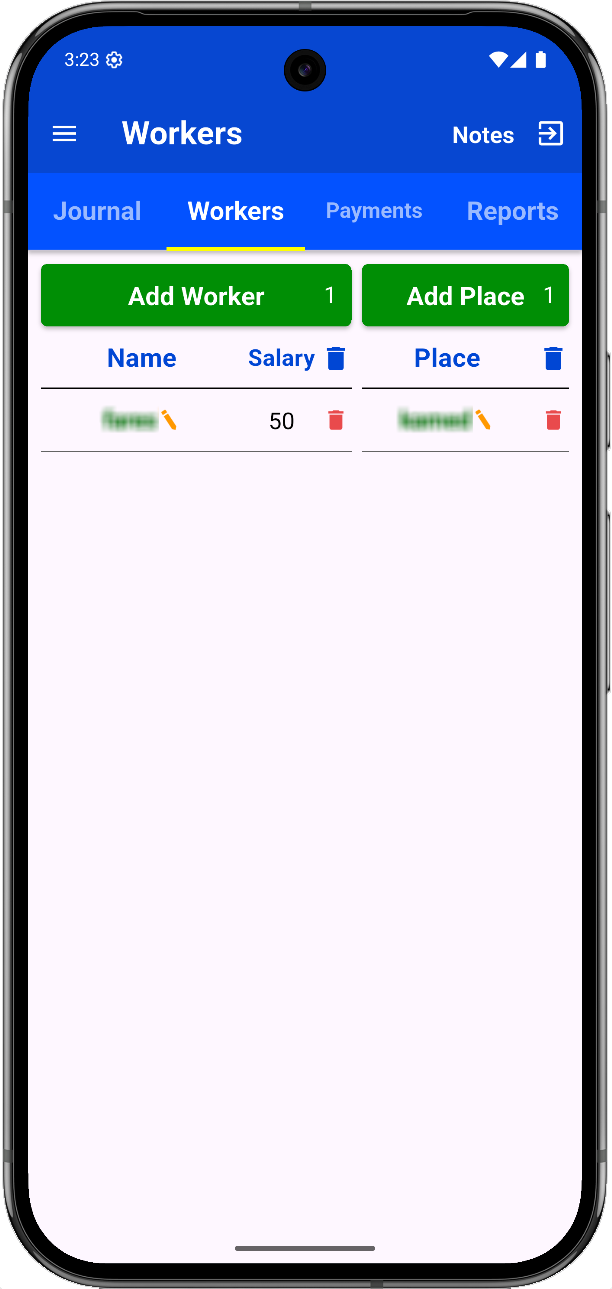
Workers Page
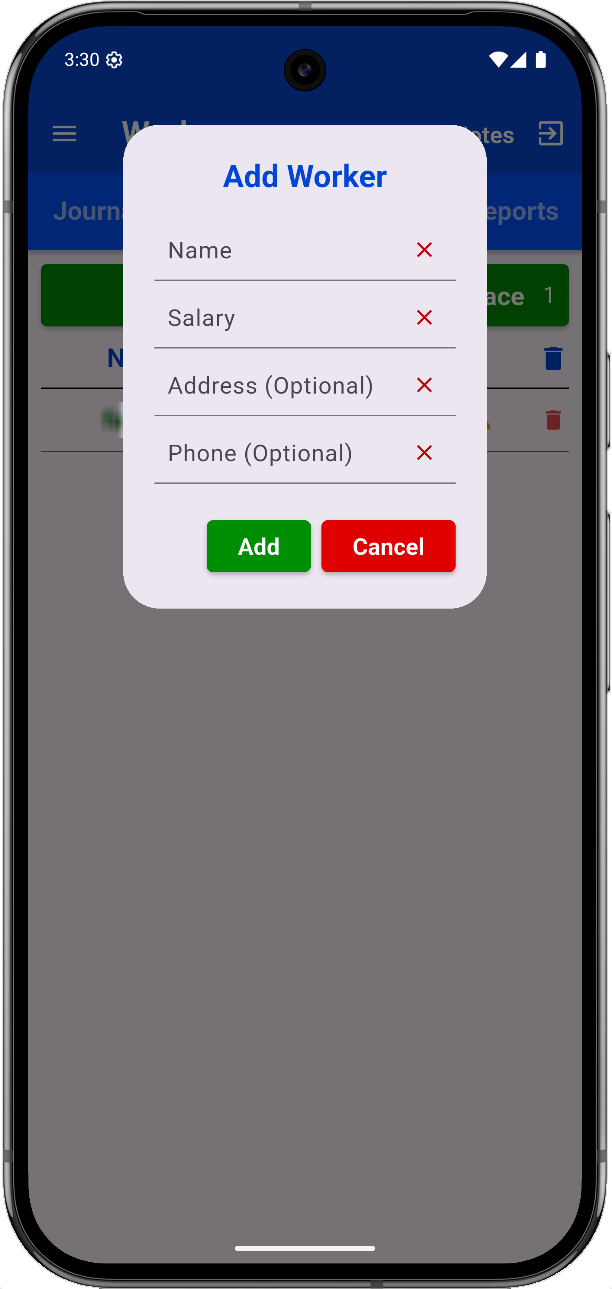
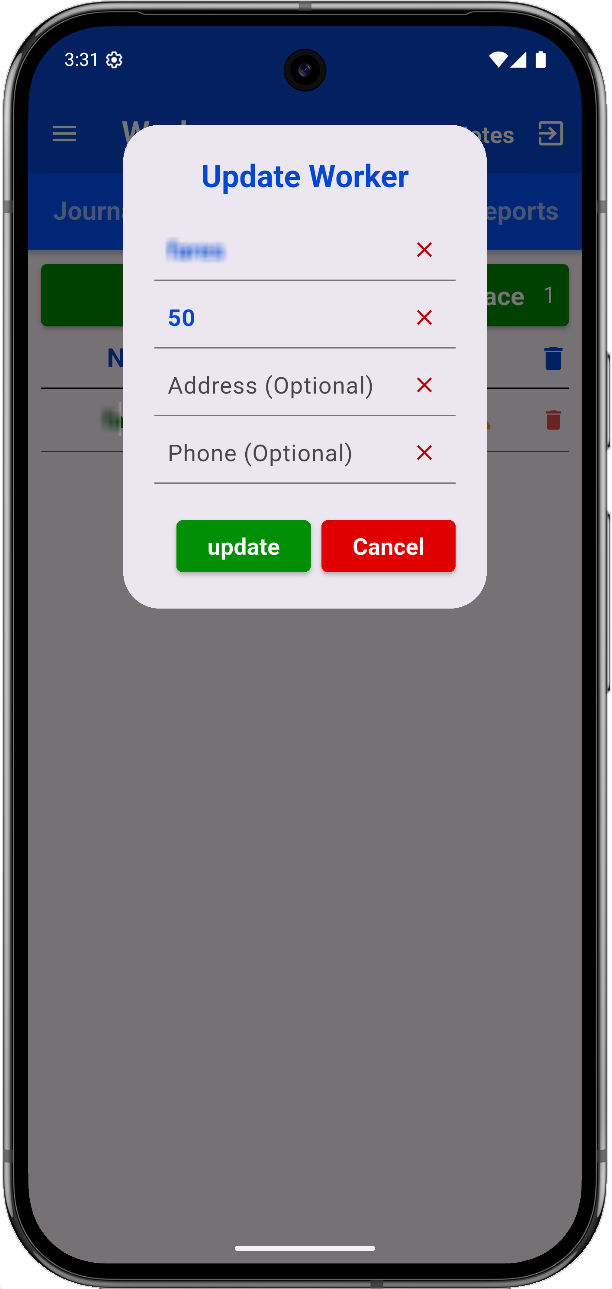
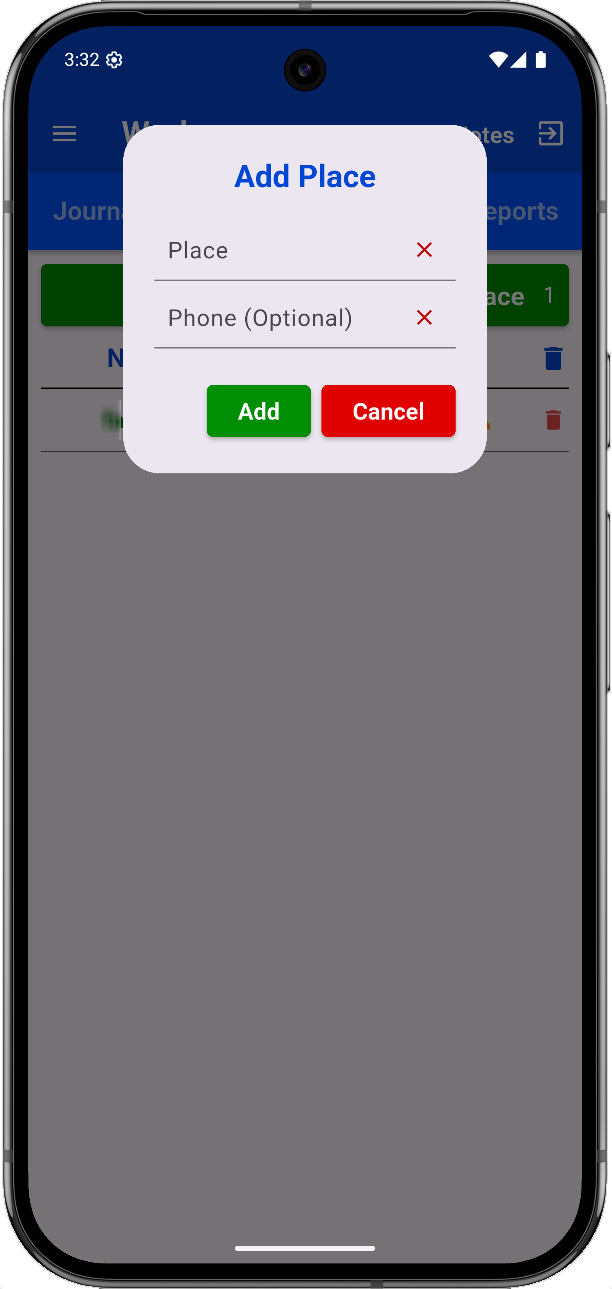
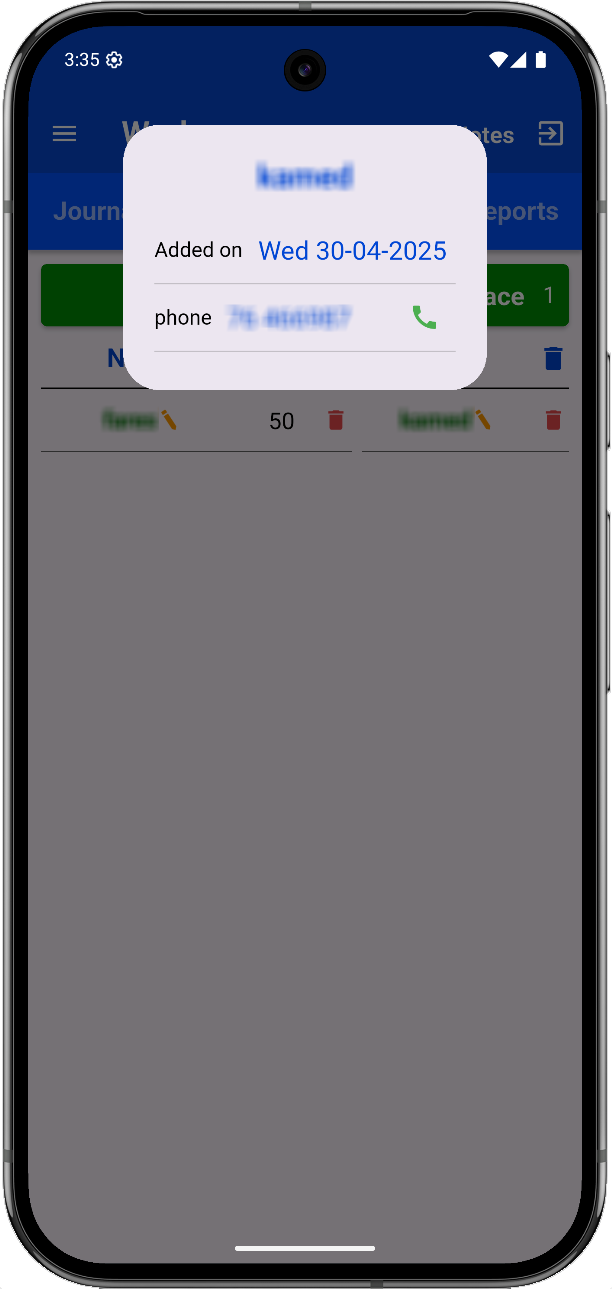
Before using the app, create worker profiles with:
- Name.
- Salary.
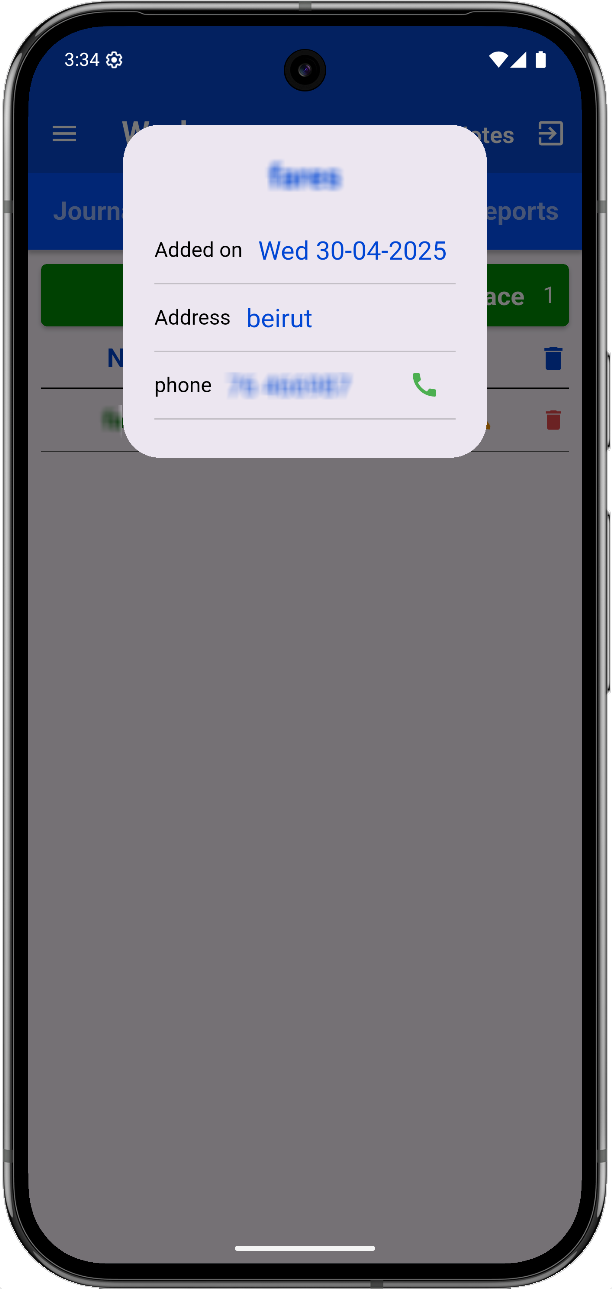
- Address.
- Phone Number.
Also create Place entries with:
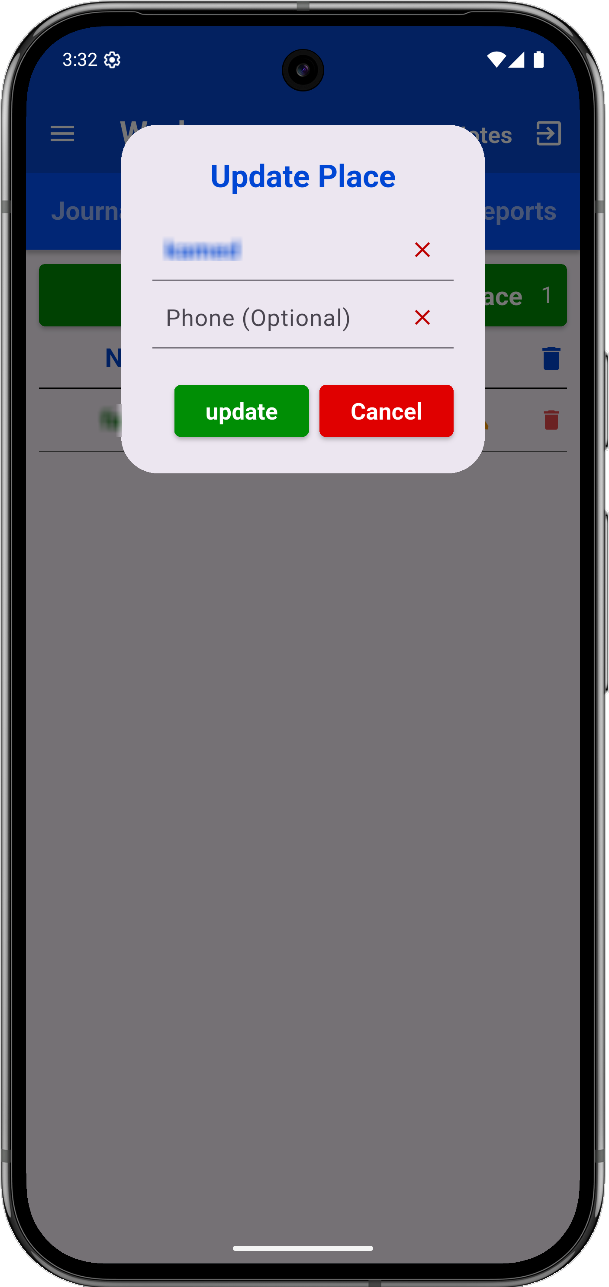
Add/Edit workers via green/orange icons.
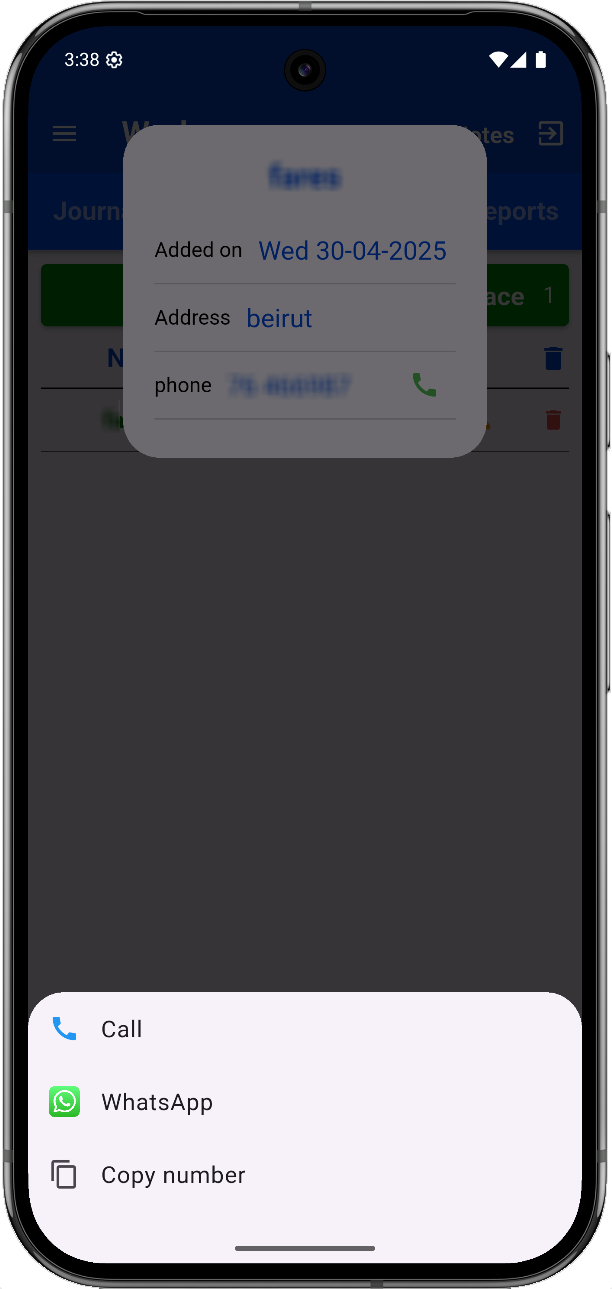
Tapping a phone number opens options (Call, WhatsApp, Copy).
Journal Page
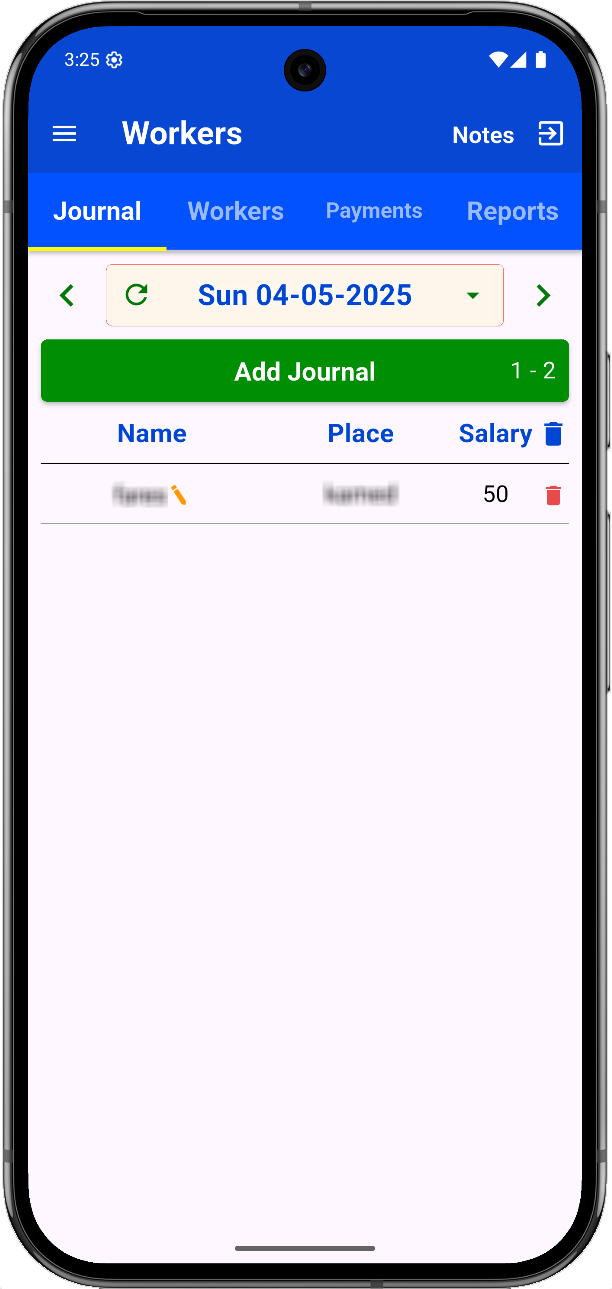
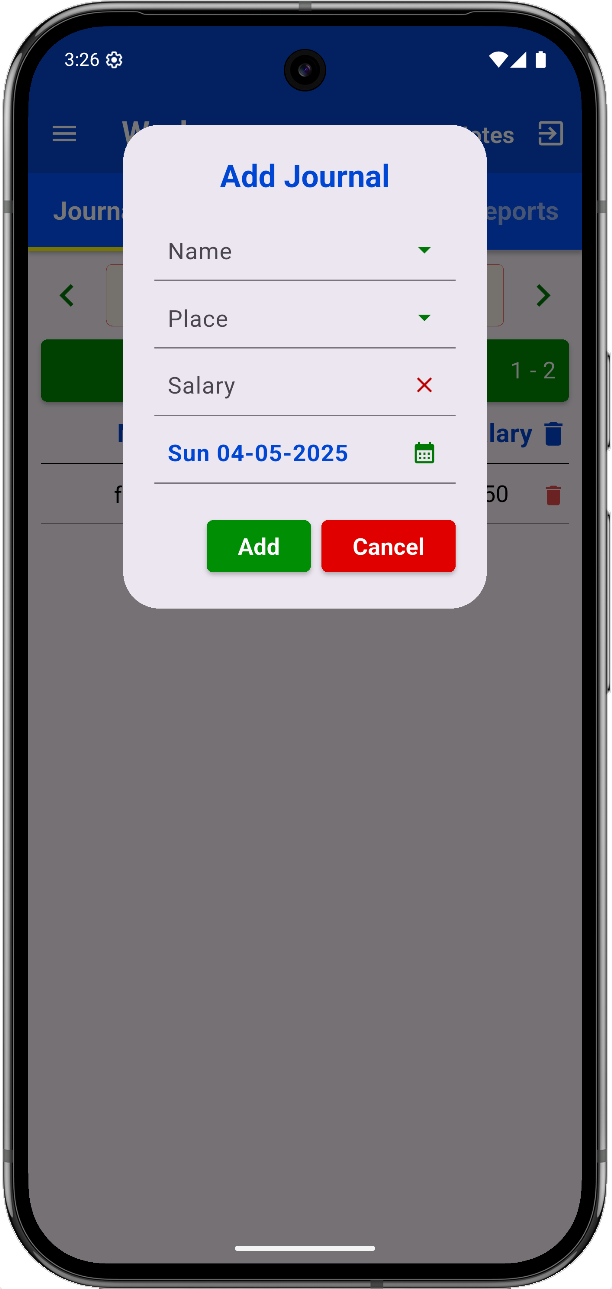
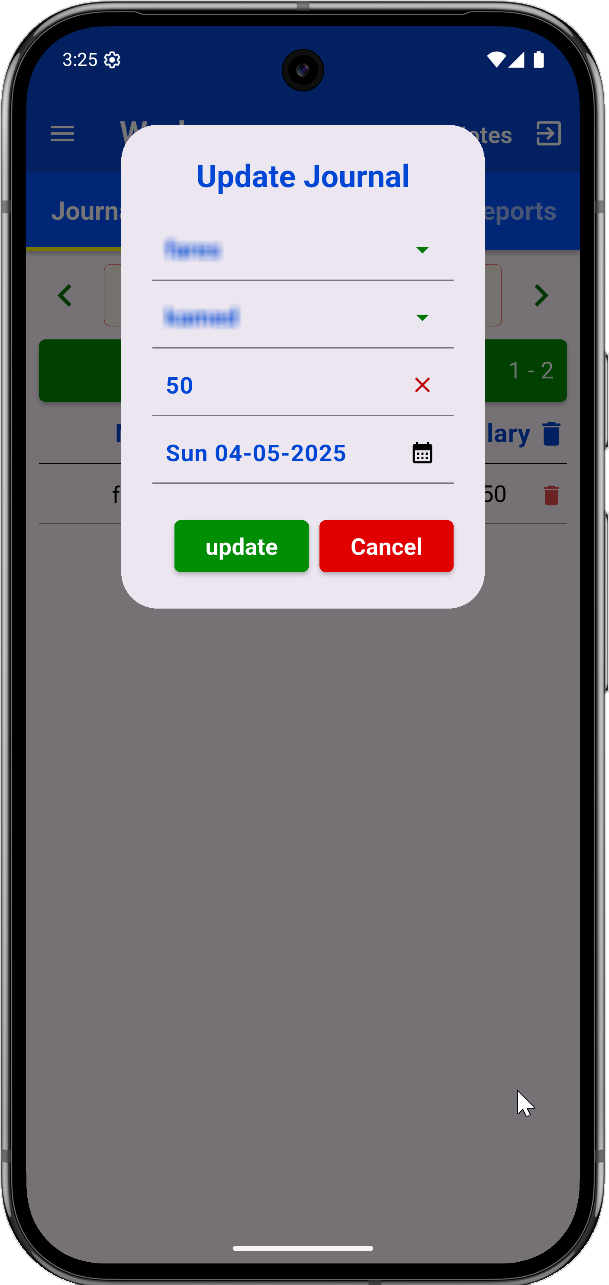
Daily record the worker’s salary:
- Navigate dates with arrows.
- Tap to pick a specific date.
Note: Only earned salaries are recorded here.
Payments Page
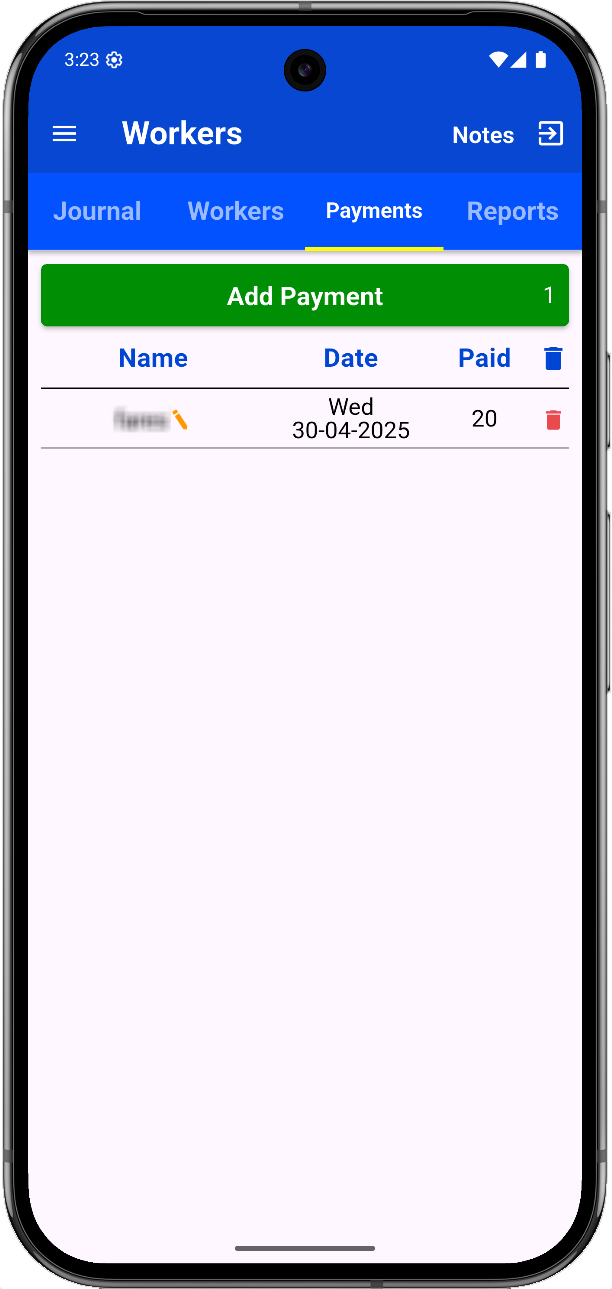
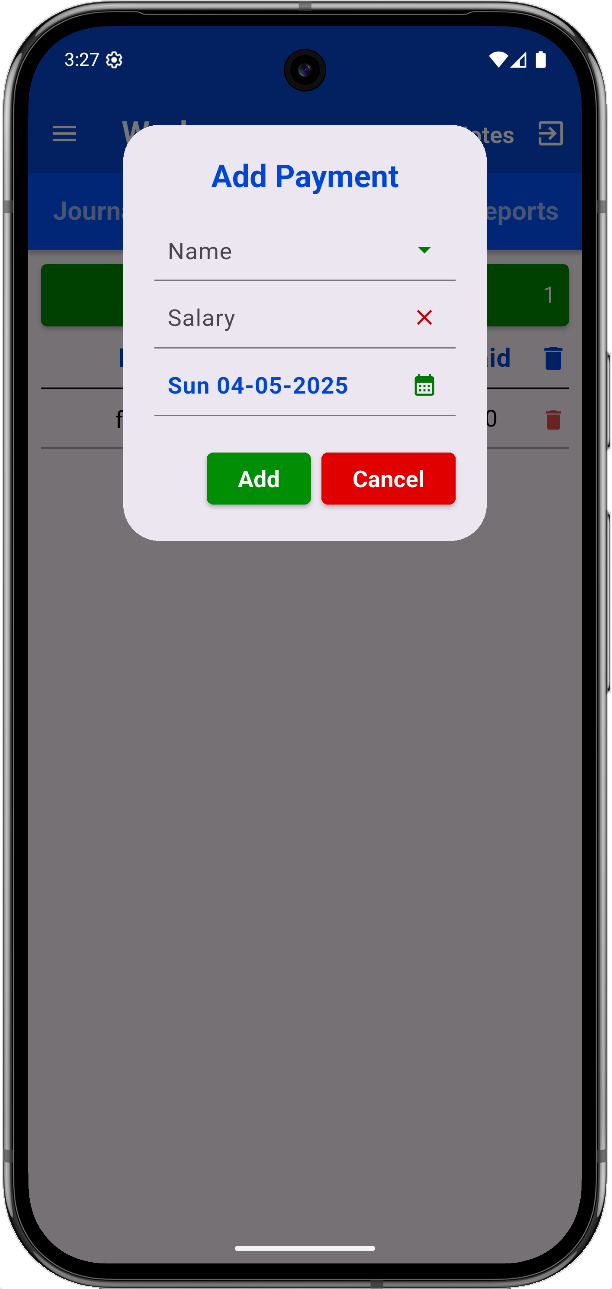
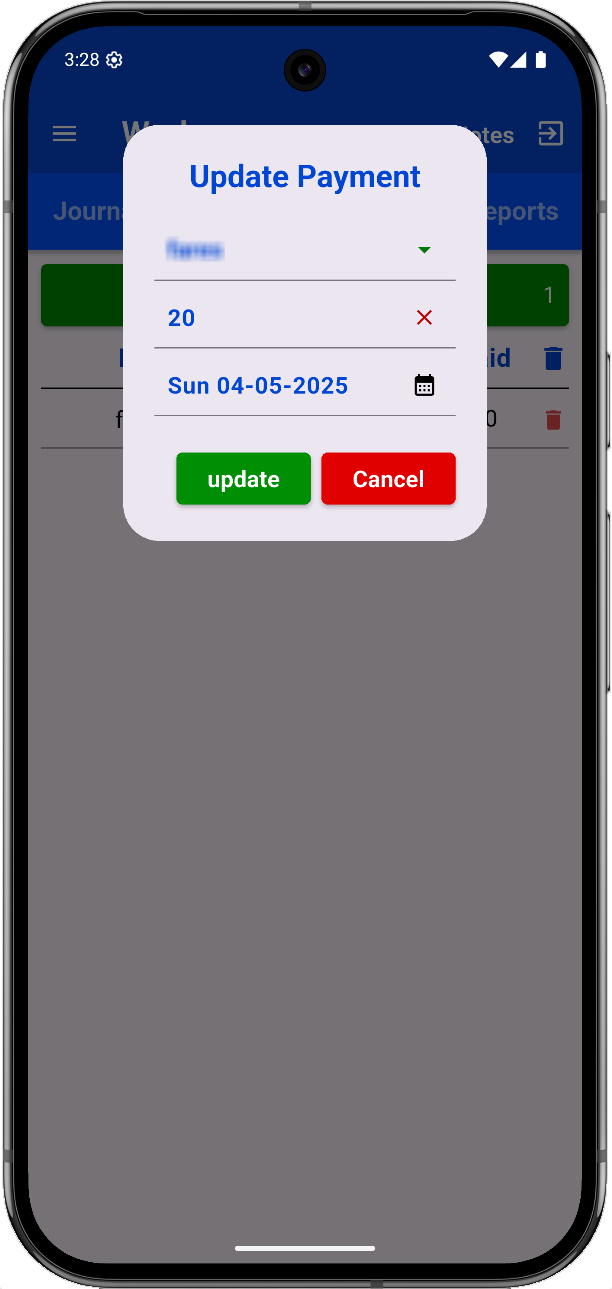
Record payments made to workers.
Note: This records when the worker was paid. Earnings are logged in the Journal.
Reports Page
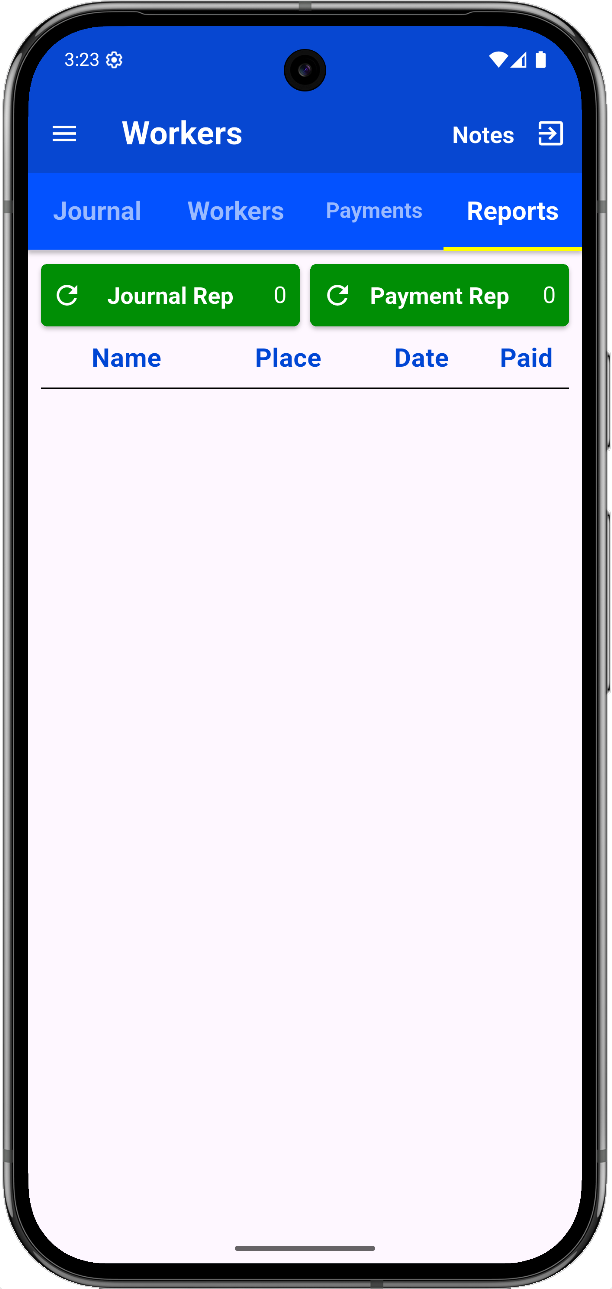
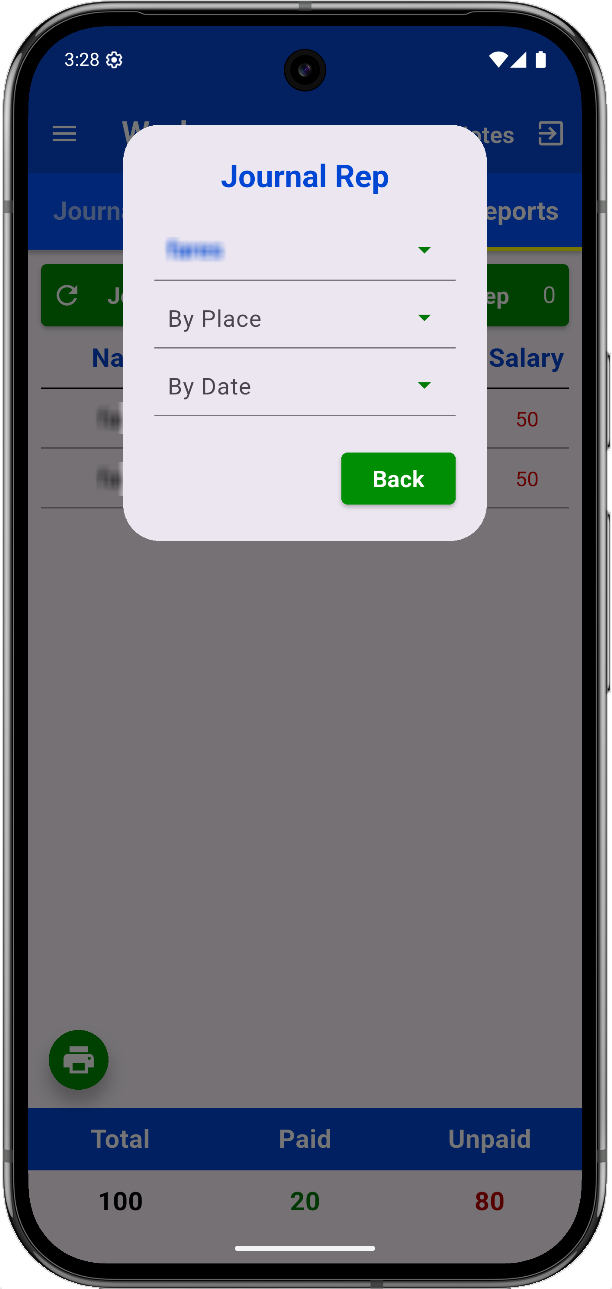
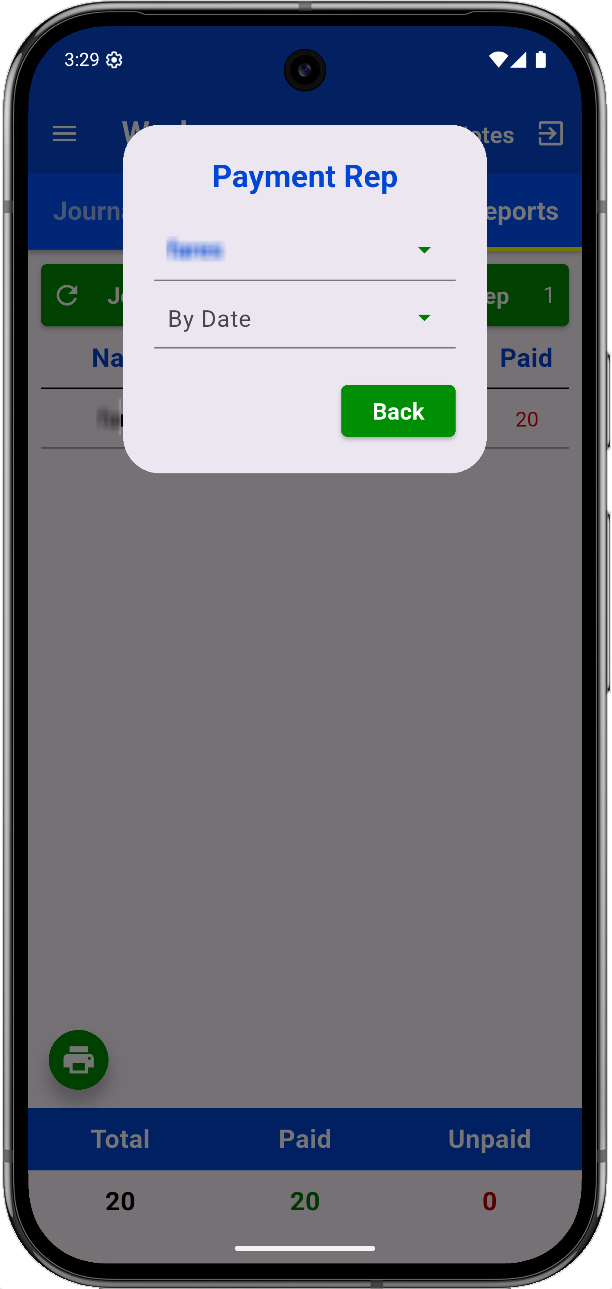
Generate reports for Journals and Payments by:
- Worker name, place, date.
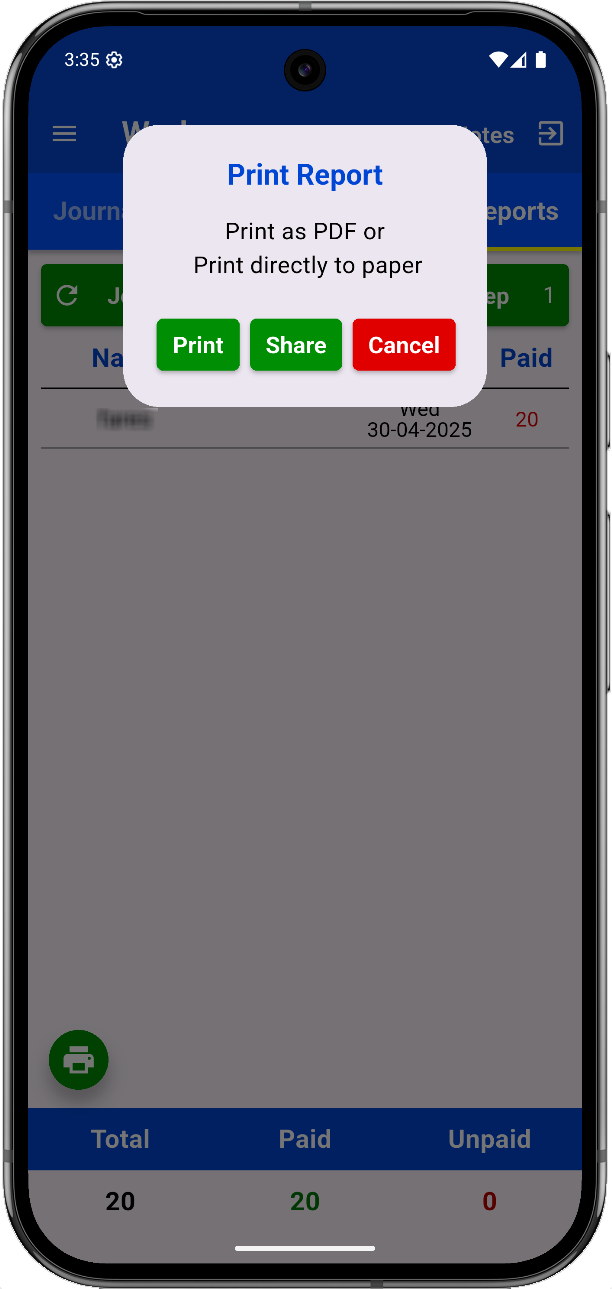
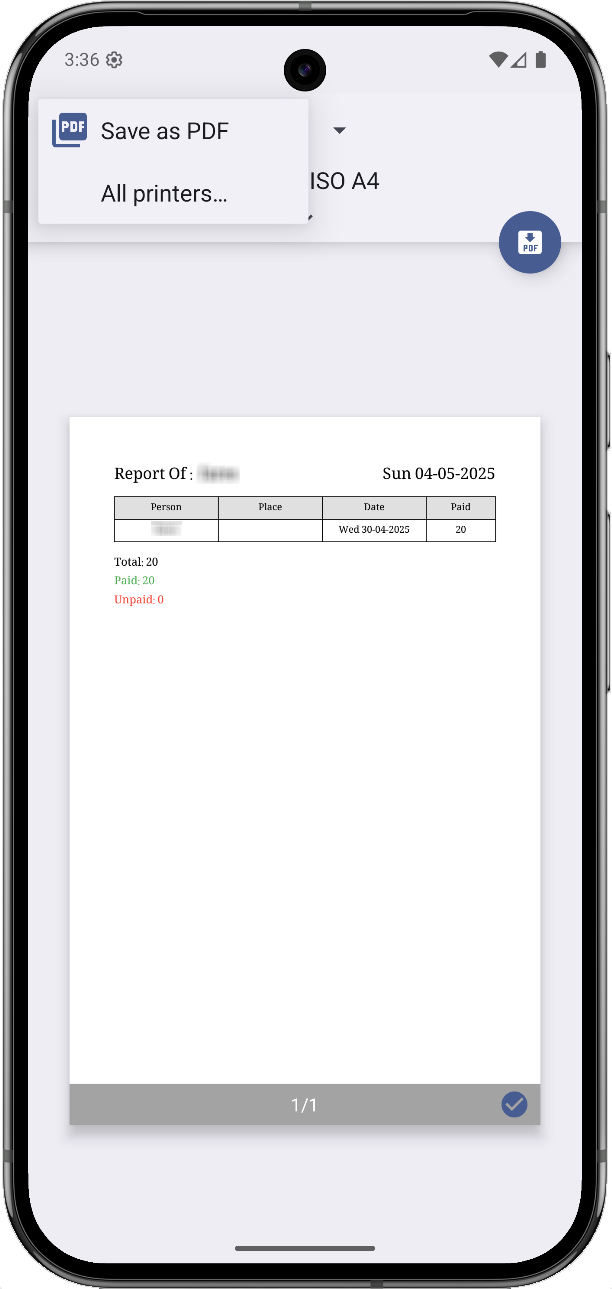
- Print or export to PDF.
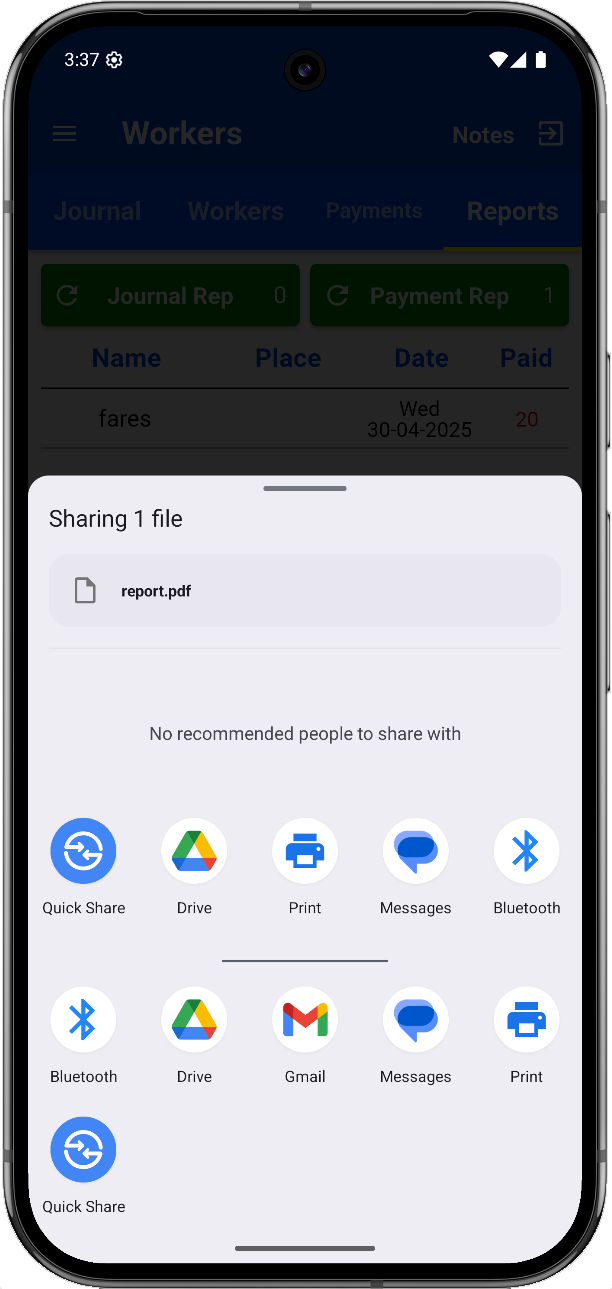
- Share results with a team or workers.
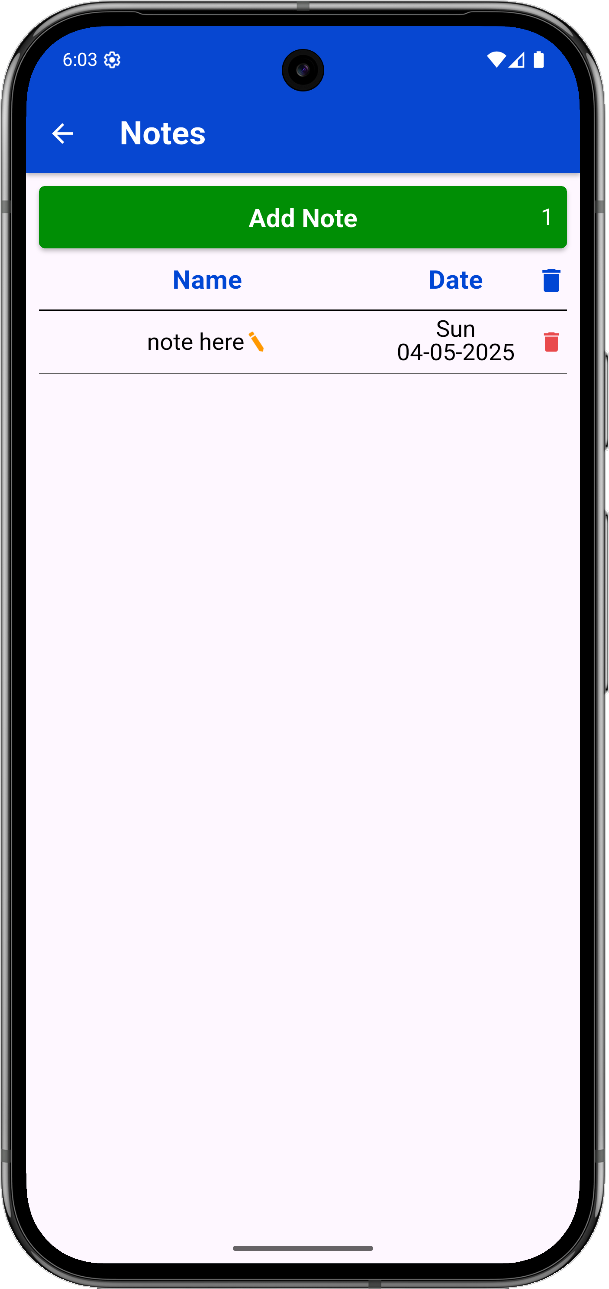
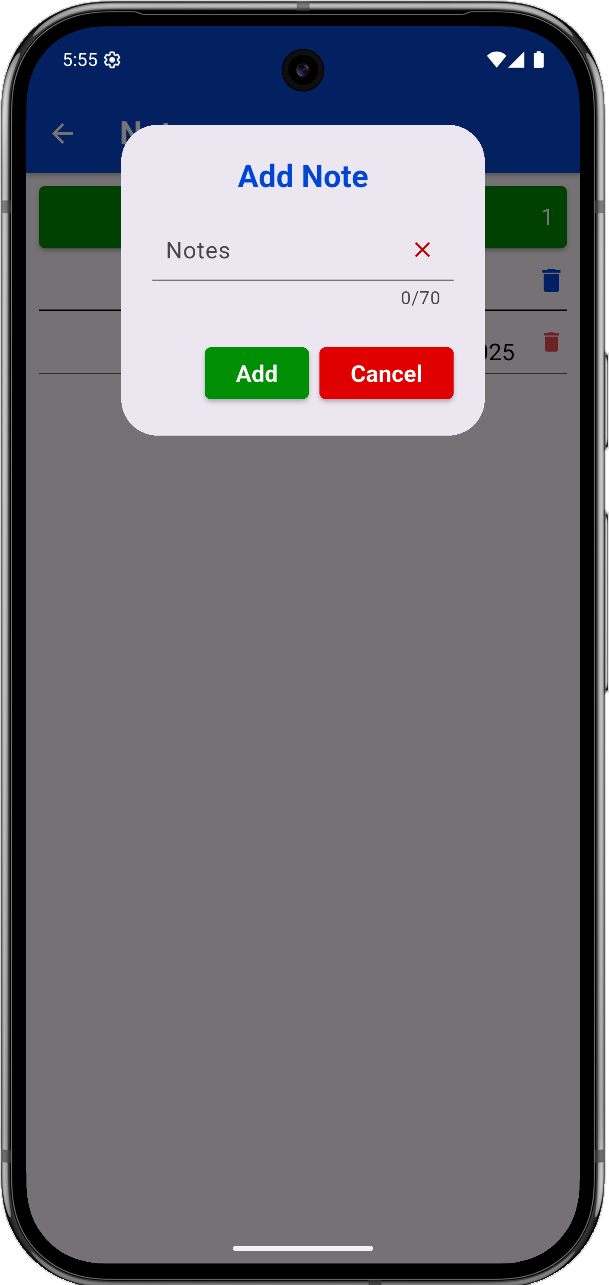
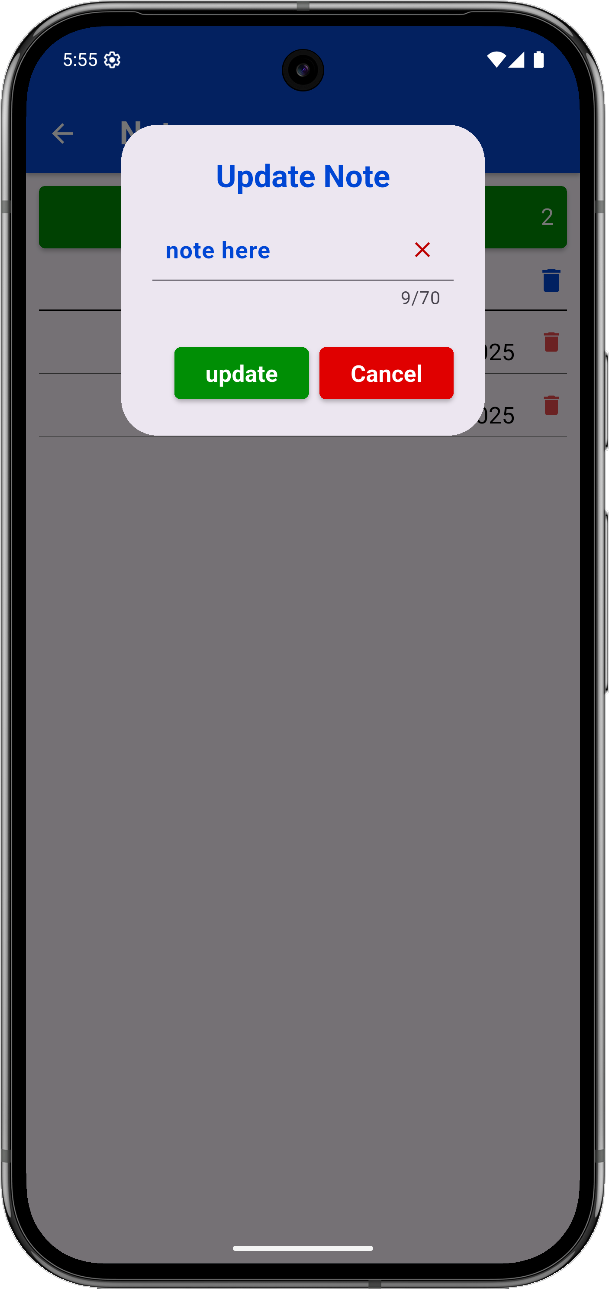
Notes Page
Write and store quick reminders or plans.
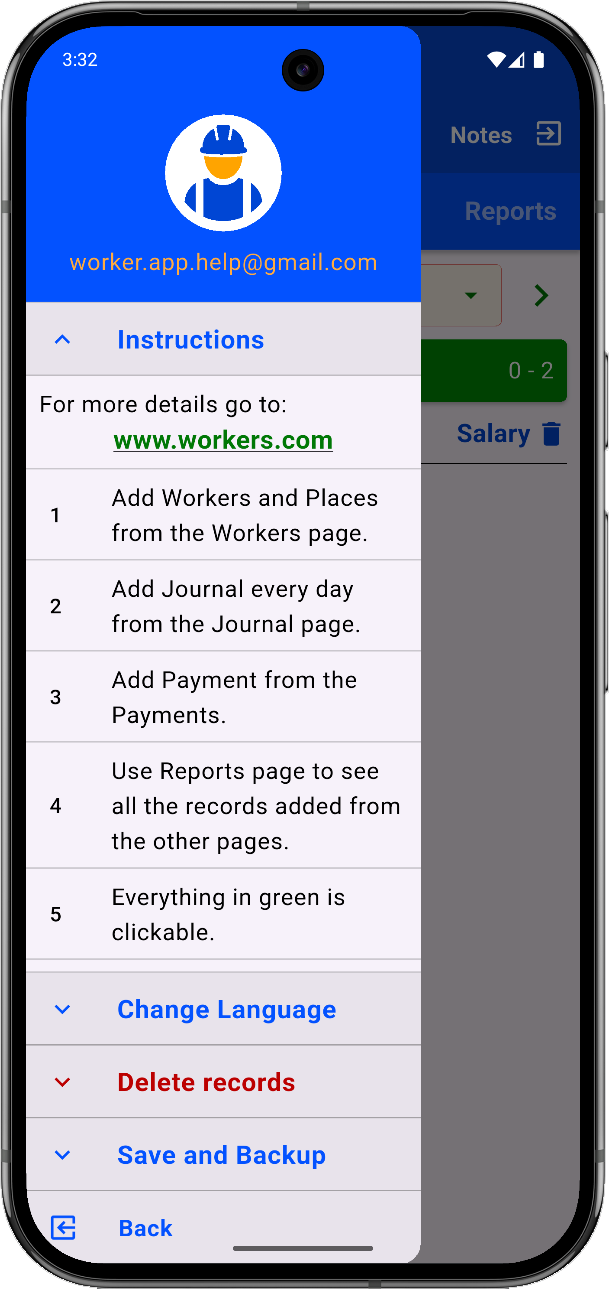
Fast Instructions
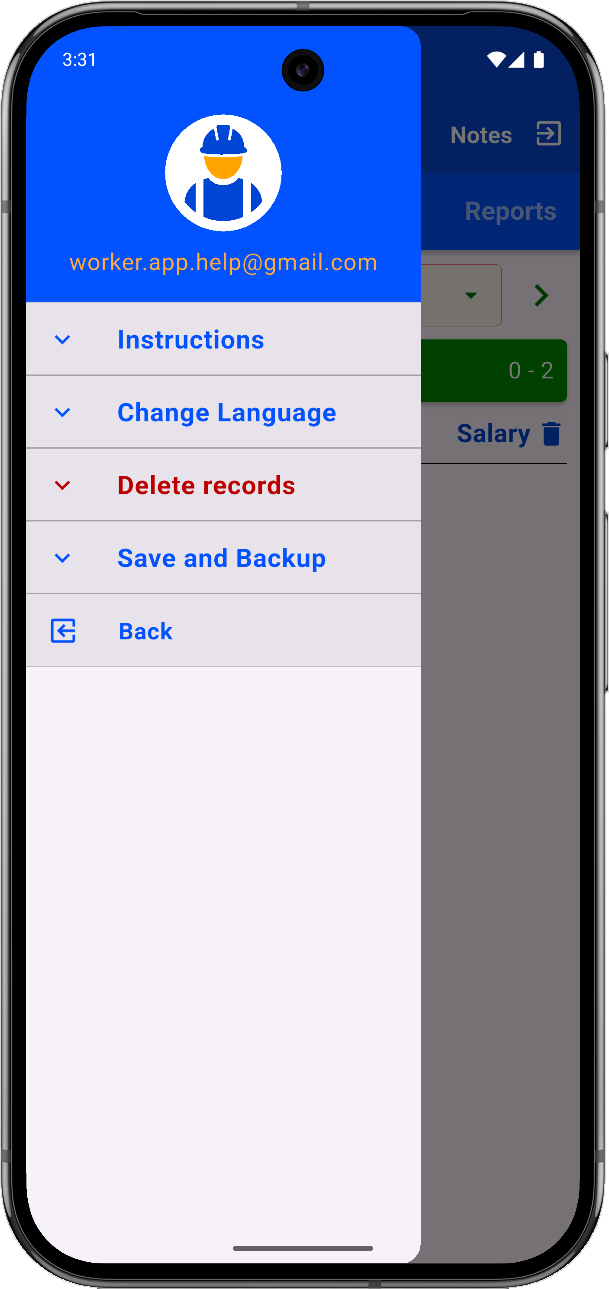
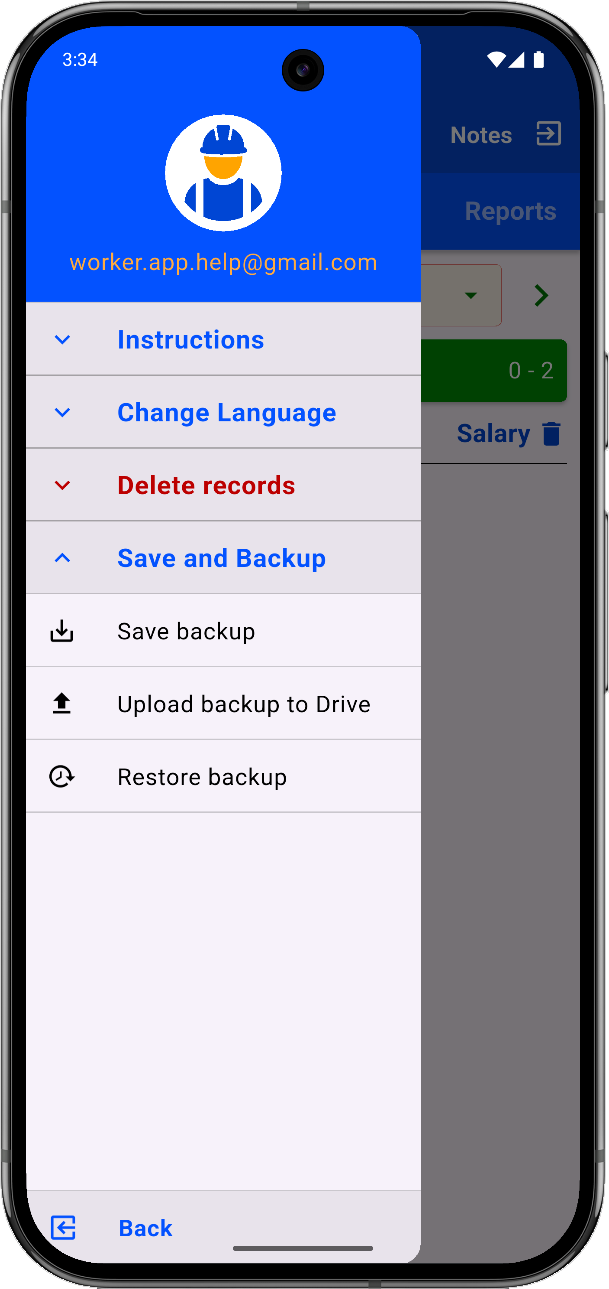
Quick setup guide. You can also email support via the drawer.
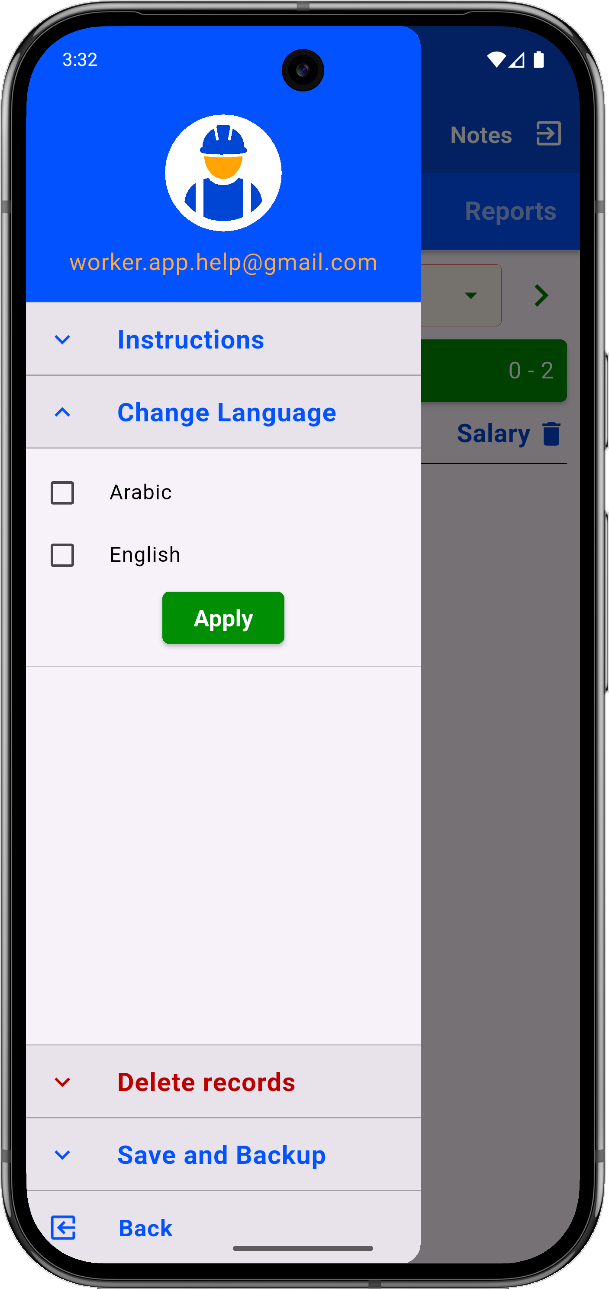
Language Selection
Choose your preferred interface language.
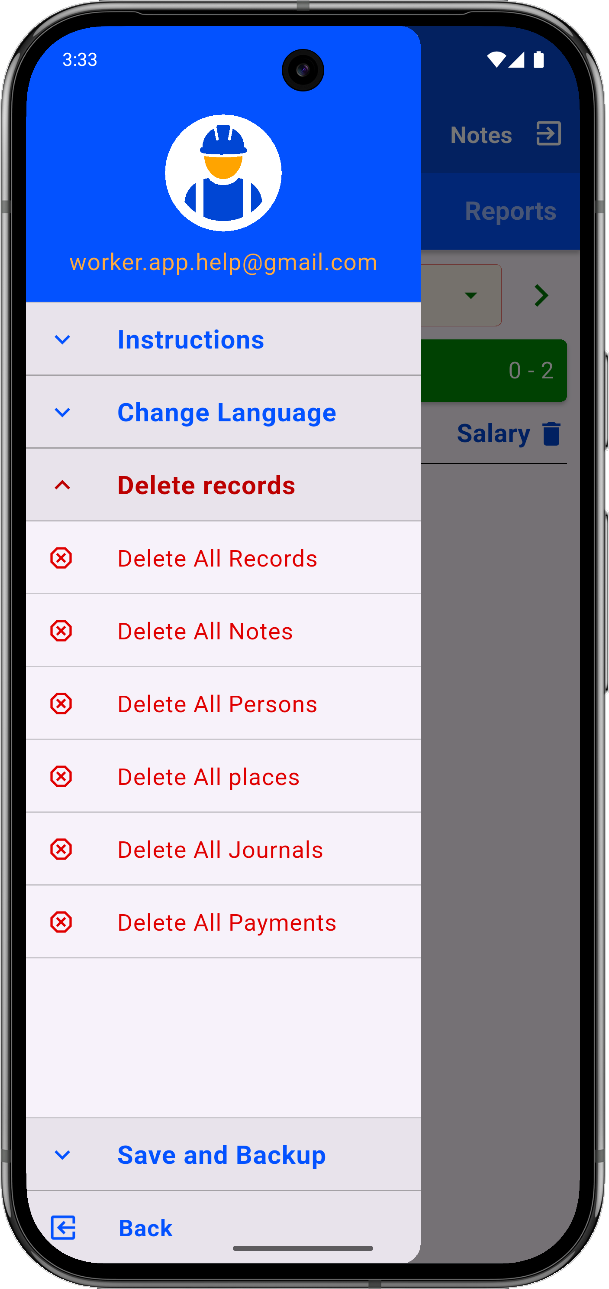
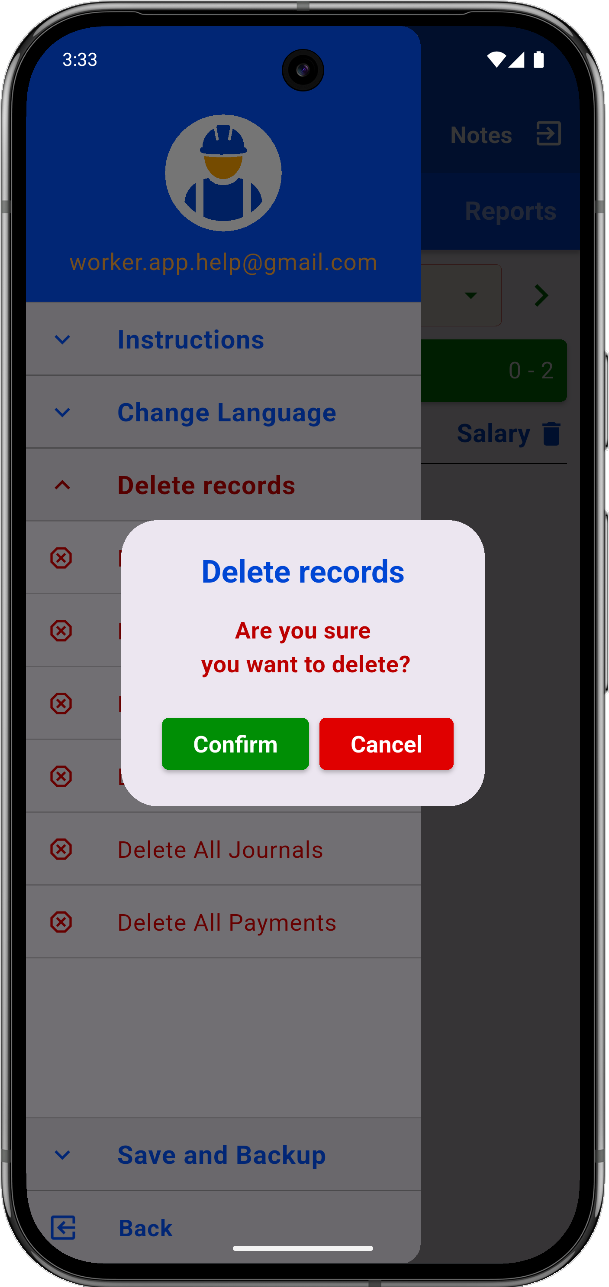
Delete All Records
Warning: This deletes all data and cannot be undone.
Backup and Restore
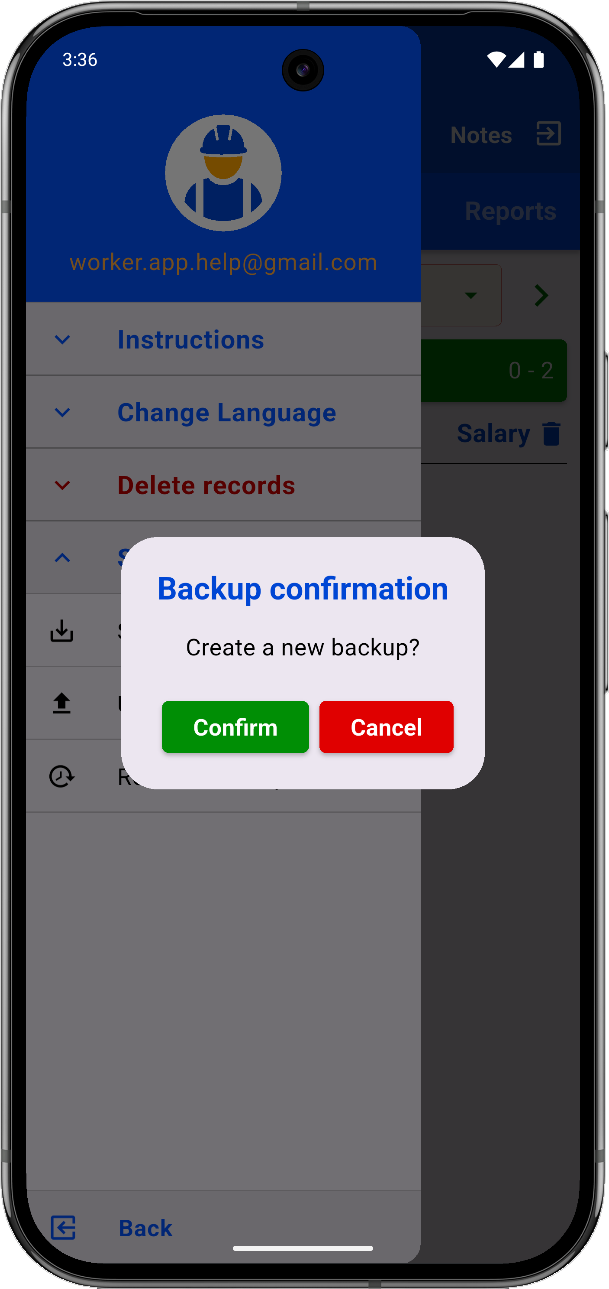
Backup data to your device or the cloud. Restore when needed.